Privacy Without Compromise.
The privacy-first calendar that's end-to-end encrypted, syncs across devices, local-first fast, and works offline.
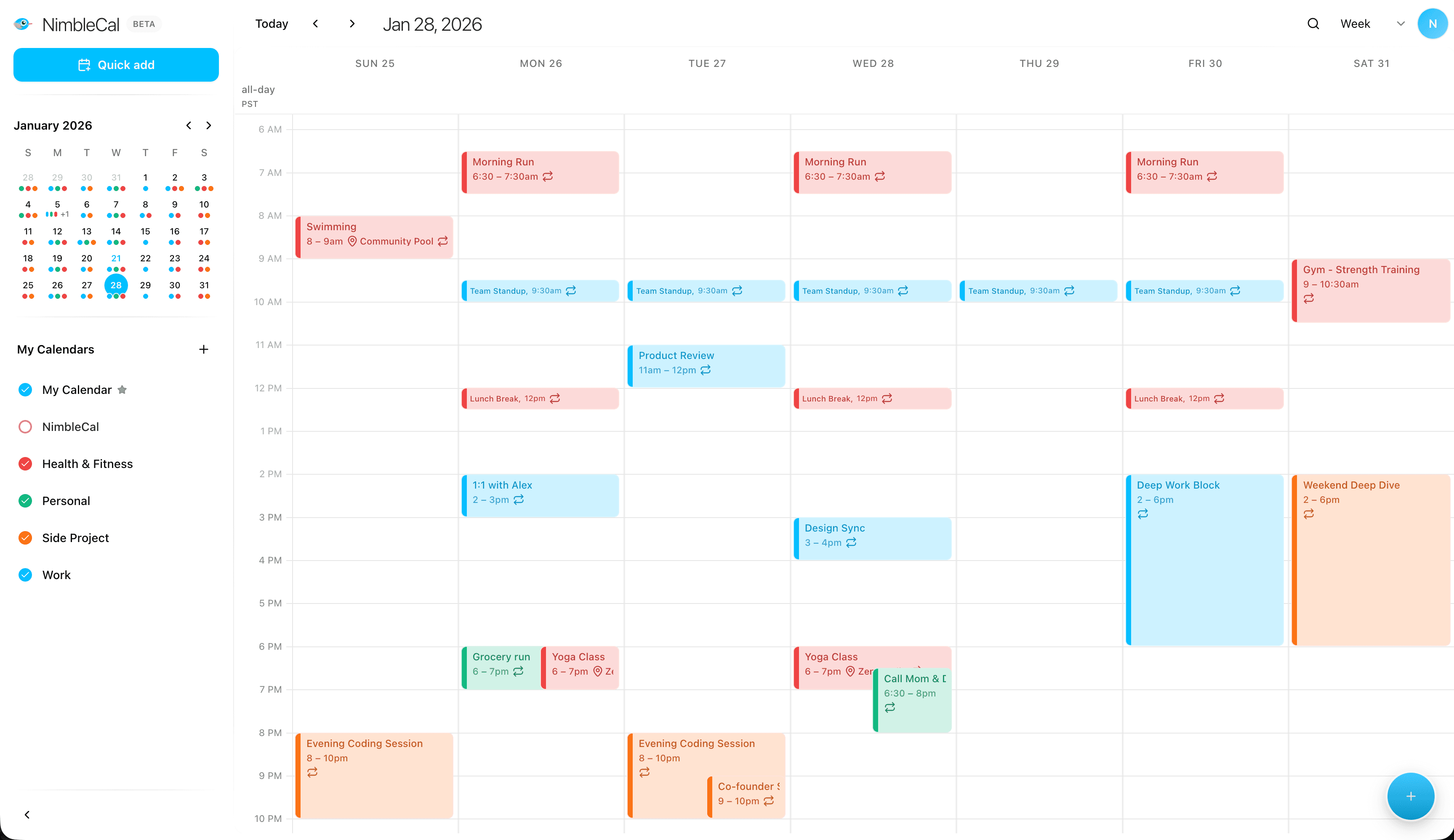
Your calendar knows your life. We can't.
Your calendar knows when you see your therapist, when you interview at other companies, who you meet for lunch, and where you'll be next Tuesday. It deserves real protection.
See it in action
Type naturally to create events. Runs on-device, your text stays private.
Instant by design
Your calendar lives on your device first. Navigating, viewing, and editing feels instant because you're not waiting on a server for every action.
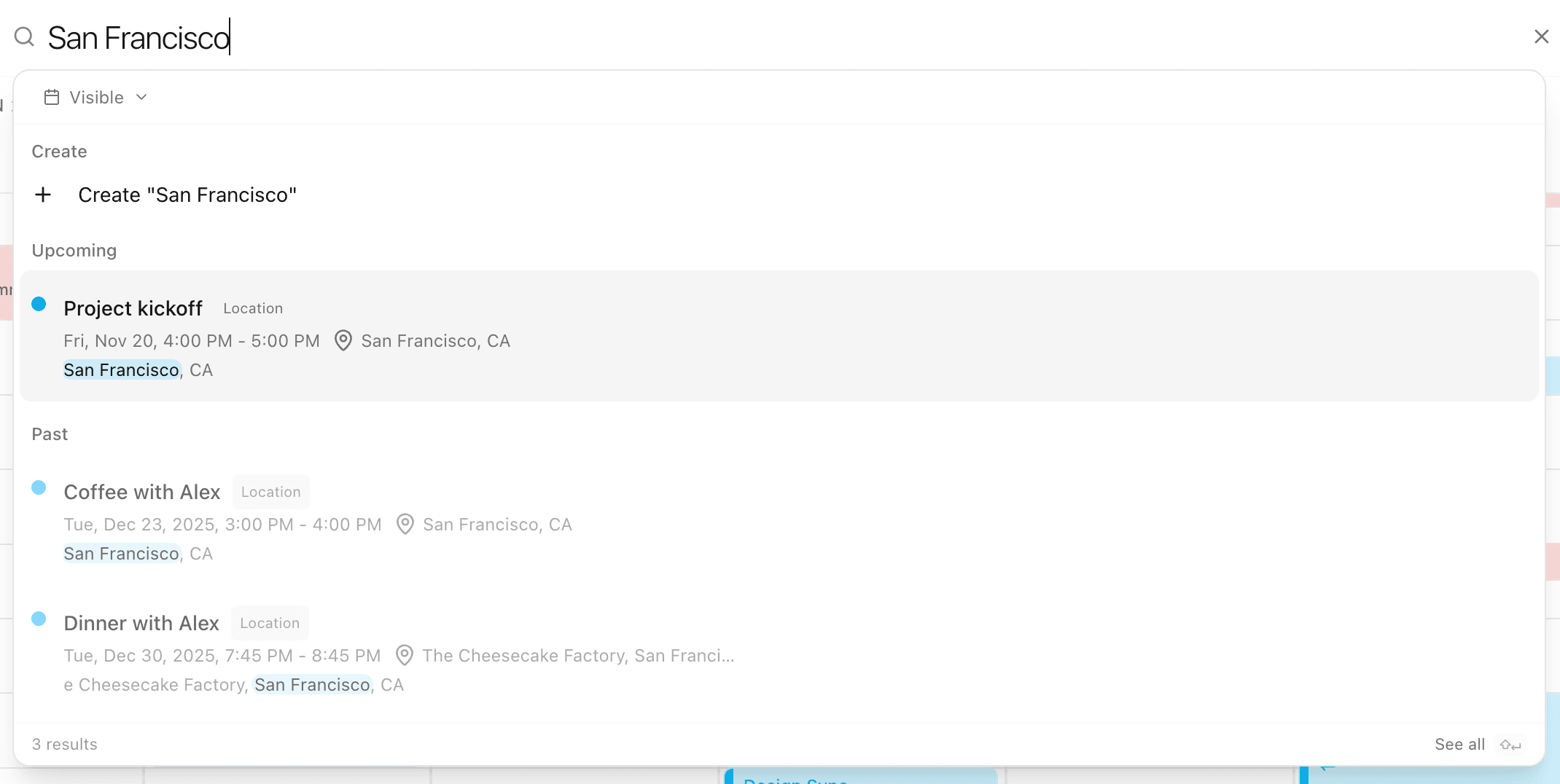
Find anything instantly
Search across all your event data - titles, locations, notes, meeting links, participants, and calendar names. Results appear as you type, all searched locally on your device.
Features
Encrypted sync
Your calendar syncs across all your devices. Data is encrypted before it leaves - we can't read it, only you can.
On-device natural language
Type "Coffee with Sarah tomorrow 3pm" and it just works. Parsed 100% on your device - nothing sent to a server.
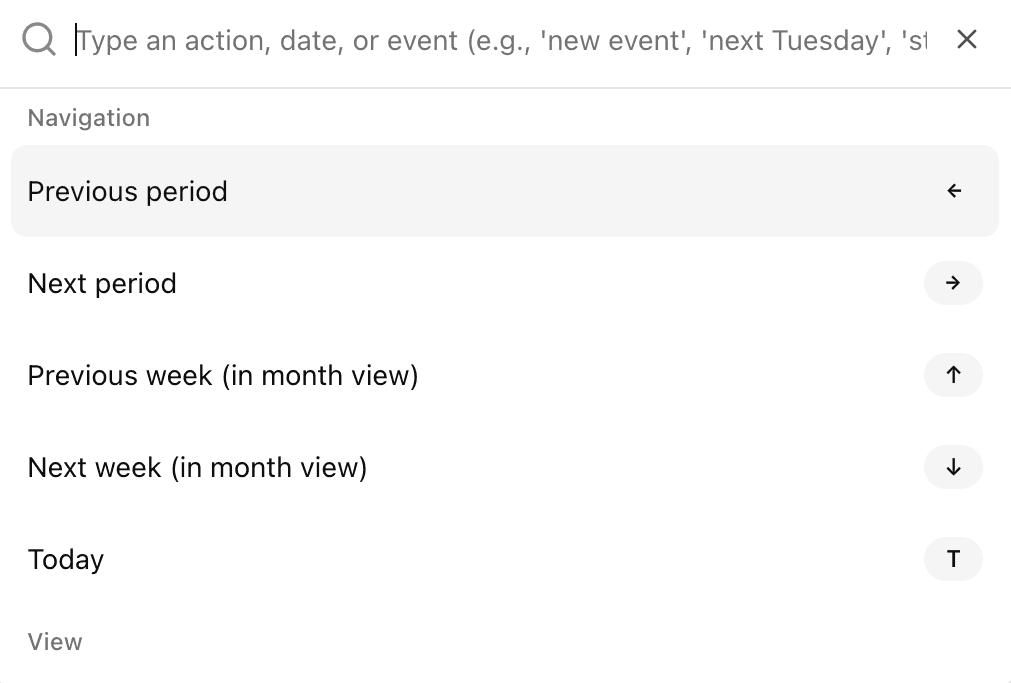
Keyboard-first design
Command palette (⌘K) and 30+ shortcuts. Navigate, create, and manage without leaving your keyboard.
Instant local search
Find any event instantly - searches your local data, no server round-trip. Press / to search.
Works offline
Browse and edit your calendar without internet. When you're back online, changes sync automatically.
Universal import & export
Uses the iCalendar standard - works with Google, Apple, Outlook, and virtually any calendar. Your data is never locked in.
Also includes drag & drop, dark mode, timezone support, custom colors, and more.
Built for keyboard warriors
If you love Linear, Raycast, or Superhuman, you'll feel right at home. Command palette, 30+ shortcuts, and natural language input.
Press ? in the app to see all 30+ shortcuts.
Easy on the eyes
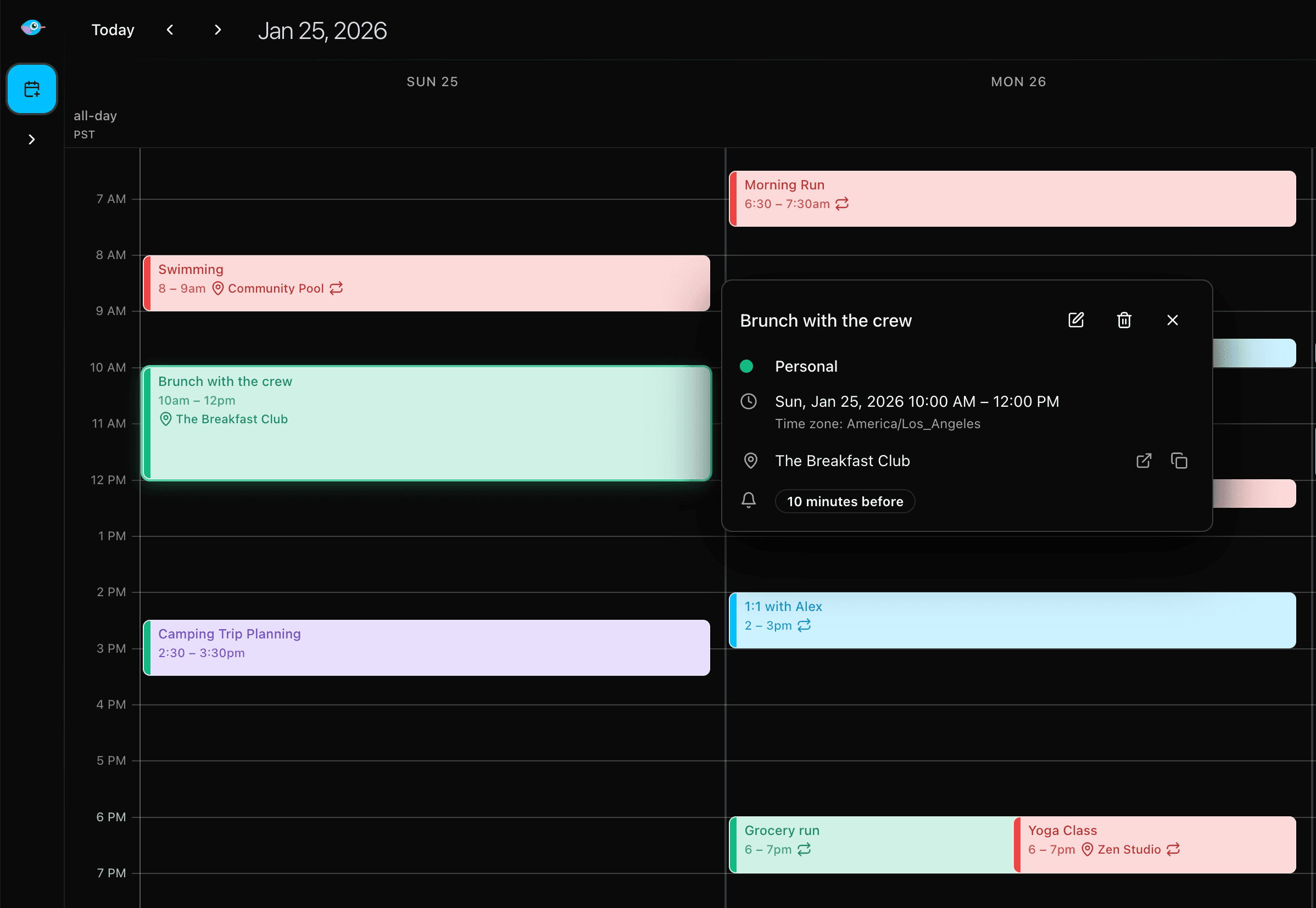
A beautiful dark theme that follows your system preferences - or set it manually. Perfect for late-night planning sessions.
- Follows system preference automatically
- Toggle manually anytime
- Consistent across all views
Plus adds
- Unlimited calendars & events
- Event invitations
- Priority support
- Support independent privacy development
Why NimbleCal?
vs. Big Tech calendars
Google, Apple, and Microsoft calendars are free because you're the product. NimbleCal flips the model.
- No ads, no tracking, no profiling
- Your data is never used to train AI
- You pay with money, not data
- Indie & bootstrapped - no investors to please
vs. Other private calendars
Privacy-focused calendars often feel like an afterthought - clunky interfaces from a decade ago.
- Modern, polished UI you'll enjoy daily
- On-device natural language input
- Keyboard-first for power users
- Local-first = instant, not sluggish
- Works fully offline
- Actively developed, not abandonware
Switching is easy
Import your Google, Apple, or Outlook calendar in under 60 seconds. We use the iCalendar standard - the same format every major calendar supports.
Frequently Asked Questions
Is there a free plan?
Can you read my calendar?
Can I import my existing calendar?
Can I export my data?
Does it work offline?
What platforms are supported?
What's your refund policy?
Stay in the loop
Get notified about new features, updates, and mobile app launches. No spam, unsubscribe anytime.
Email processed in the EU via Plunk. Unsubscribe anytime.